Image Queue 0 Files
Upload images to see live before & after size comparison.
No Images Uploaded
Select photos from the left panel to resize.
Upload images to see live before & after size comparison.
Select photos from the left panel to resize.
Instantly compress heavy camera photos down to exact file size limits (20 KB, 50 KB, 100 KB) and custom pixel or centimeter dimensions at 300 DPI without blur.
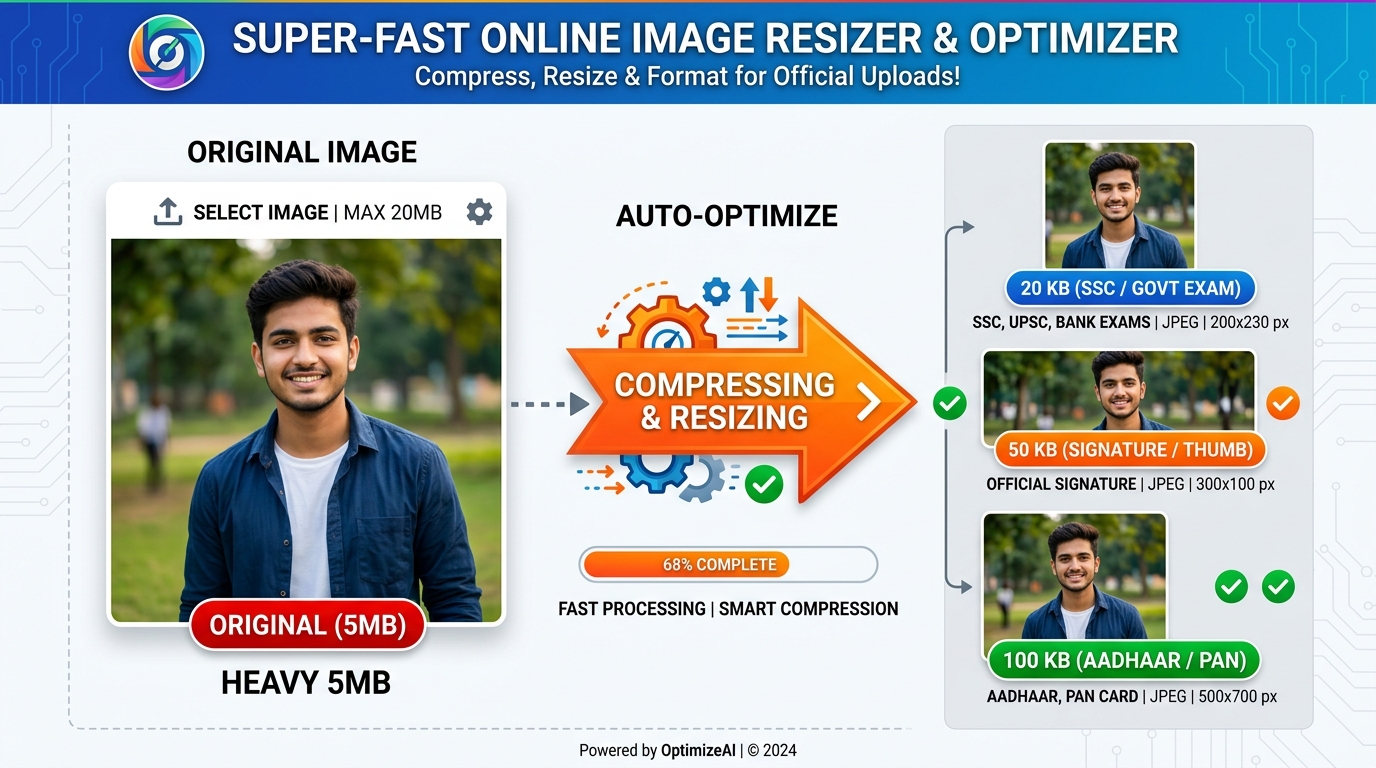
Every government exam and service portal (SSC, UPSC, NSDL PAN, IBPS, State PSCs) enforces strict mathematical limits on uploaded photos and signatures. Submitting a file that is even 1 KB above the maximum threshold or lacking the required aspect ratio results in immediate form rejection.
Type your desired KB limit (e.g. 20 KB, 50 KB), and our smart iterative algorithm hits the exact file size target automatically.
Easily switch between Pixels (px), Centimeters (cm), Millimeters (mm), or Inches (in) with automatic aspect ratio preservation.
Injects official 300 DPI print headers required for NSDL/UTI PAN card forms (213x213 px) and state recruitment portals.
Fast, accurate, and completely free without installing any third-party desktop software.
Click the upload card, drag and drop your photo or signature, or paste directly with Ctrl+V.
Choose quick presets like 20 KB, 50 KB, or 100 KB, or enter a custom size.
Optionally specify width/height in centimeters or pixels (e.g., 213x213 for PAN) and select 300 DPI for high print clarity.
Click "Resize & Download" to save your perfectly sized JPG, instantly verified and ready for official online upload.
Verified requirements across major Indian recruitment and identity document portals.
| Portal / Examination | Photo File Size | Photo Dimensions | Signature Size | Format & DPI |
|---|---|---|---|---|
| SSC (CGL / CHSL / GD / MTS) | 20 KB – 50 KB | 3.5 cm × 4.5 cm (138 × 177 px) | 10 KB – 20 KB | JPG / JPEG (100–200 DPI) |
| UPSC (Civil Services / NDA / CDS) | 20 KB – 300 KB | 350 × 350 px to 1000 × 1000 px | 20 KB – 300 KB | JPG / JPEG (300 DPI) |
| PAN Card (NSDL / UTIITSL) | Under 30 KB | 213 × 213 px | Under 20 KB (400 × 200 px) | JPEG @ 300 DPI Exact |
| IBPS / SBI Bank PO & Clerk | 20 KB – 50 KB | 200 × 230 px (4.5 × 3.5 cm) | 10 KB – 20 KB (140 × 60 px) | JPG / JPEG (200 DPI) |
| Rajasthan Police / RSMSSB / REET | 50 KB – 100 KB | 3.5 cm × 4.5 cm | 20 KB – 50 KB | JPG / JPEG (300 DPI) |
Everything you need to know about target KB image compression.
Upload your photo, select the "Target KB" mode, and type 20 or 50. The tool runs an iterative binary-search compression algorithm in your browser that preserves facial details and sharp edges while hitting the exact target size.
Select the "Dimensions" mode, enter 213 in width and 213 in height with unit set to "Pixels", and choose 300 DPI. Under file size, set under 30 KB. Click Resize & Download to get an instantly accepted PAN card photo.
Yes. eMitraTool performs all cropping, scaling, and re-compression directly on your computer or phone using HTML5 Canvas. Your sensitive certificates and photographs never leave your device.
Yes. Select signature presets (such as 10 KB to 20 KB or 3.5 x 1.5 cm). The tool optimizes monochrome and high-contrast lines so signature strokes remain crisp and legible.