Done
Back

Custom QR Code Studio

UPI • WhatsApp • URL • Wi-Fi • Lifetime Permanent QR
emitratool.online

1 Content Type

|

Works with PhonePe, Google Pay, Paytm, BHIM & all UPI apps.

2 Design & Branding

Upload Custom Logo (PNG / SVG)
Live QR Preview Lifetime Active
Vector & Payment Quality Proof

Custom QR Codes for UPI, WhatsApp, Wi-Fi & Web Portals

Generate 100% permanent static QR codes with embedded center logos, custom dot styles, and printable A4 acrylic counter standees.

Zero Scan Limits 100% Client-Side Safe
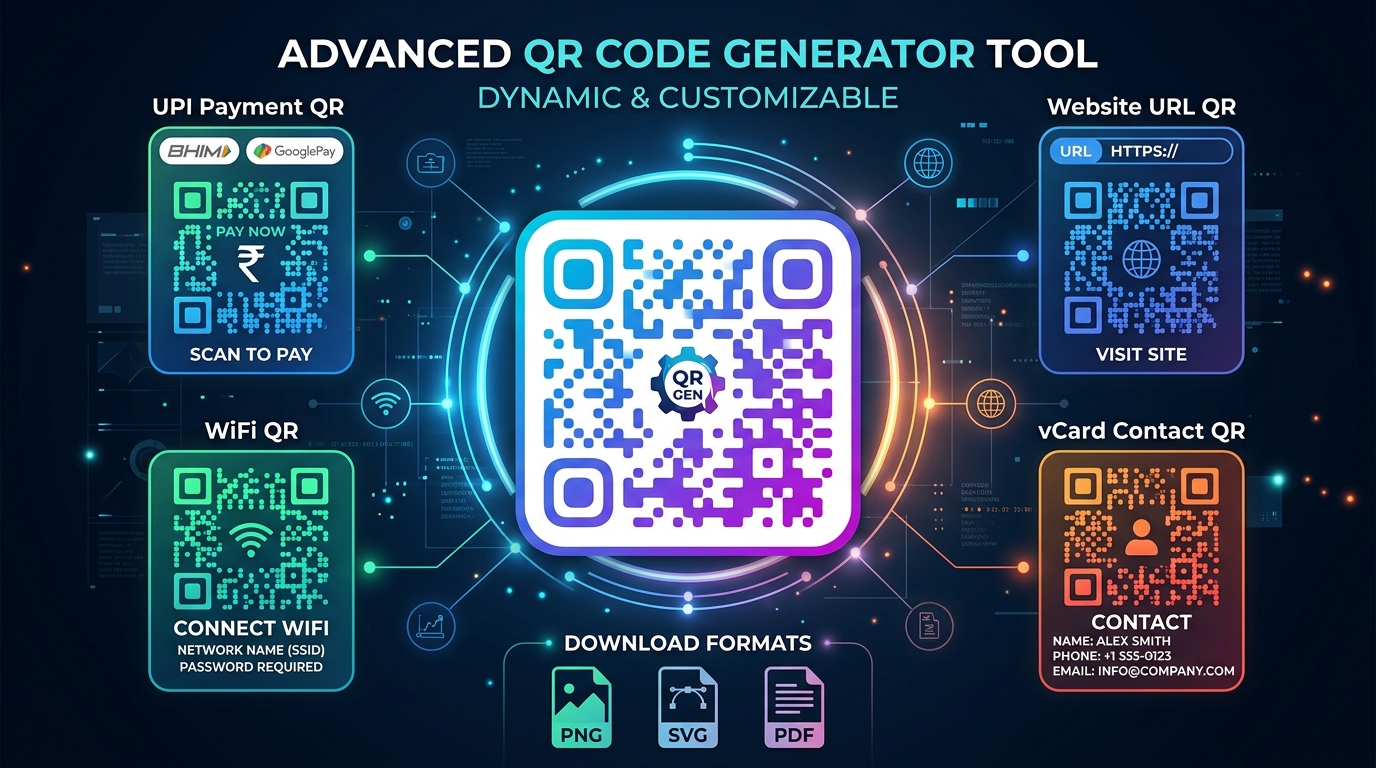
UPI Payment QR, WhatsApp direct chat QR, and Wi-Fi instant connect QR showcase

Visual comparison: Dynamic color gradients, central brand logos, and instant scanning verification across Android & iOS cameras.

Why Static QR Codes are Superior for Small Businesses

Unlike commercial QR platforms that redirect through third-party URLs and suddenly expire unless you pay costly subscriptions, our QR codes are direct and permanent. Your UPI payment VPA, Wi-Fi WPA2 credentials, or website URLs are encoded straight into the pixel grid.

Universal UPI Compatibility

Fully compatible with PhonePe, Google Pay, Paytm, BHIM, and all banking apps under NPCI guidelines.

One-Tap Wi-Fi Connection

Guests and customers scan to join your secured Wi-Fi network without typing complicated passwords.

Instant Shop Standee Print

Generate and print ready-to-display A4 or 4x6 acrylic counter banners with your shop name in 1 click.

Quick & Easy Process

How to Create Your Custom Branded QR Code

Design, customize, and export print-ready QR codes in under 30 seconds.

1

Select Data Type

Choose from UPI Payment, WhatsApp message, Wi-Fi login, Website URL, or Contact Phone Call.

2

Enter Details

Type your UPI ID (VPA), payee name, Wi-Fi SSID and password, or web link. Real-time preview updates live.

3

Brand & Style

Choose rounded or square dots, select brand colors or dual gradients, and upload your central shop logo.

4

Download or Print

Export high-resolution PNG for digital sharing, vector SVG for billboard printing, or 1-click A4 Standee.

QR Code Technical Formats & Error Correction Standards

Understanding error recovery levels and data capacity for optimal scanning reliability.

QR Type / Protocol Encoding Format Recommended Error Correction Best Export Format
UPI Digital Payment upi://pay?pa=...&pn=... High (H) — 30% (Permits central ₹/logo) Print Standee / Vector SVG
WhatsApp Direct Chat https://wa.me/[Phone]?text=... Quartile (Q) — 25% High-Res PNG (1000px)
Wi-Fi Network Access WIFI:S:[SSID];T:[WPA];P:[Pass];; Medium (M) — 15% Print Standee (A4 / 4x6)
Website & Kiosk Portals https://yourdomain.com/... Low (L) / Medium (M) Vector SVG (Scalable)
FAQ

Frequently Asked Questions

Answers to common questions regarding QR code permanence, logos, and printing.

Do these generated QR codes ever expire or have scan limits?

No. All QR codes created on this platform are 100% static and permanent. The encoded data is directly embedded inside the matrix, meaning they will work forever with unlimited scans and zero subscription fees.

Can I accept payments from all UPI apps like PhonePe, Google Pay, and Paytm?

Yes! Our UPI QR codes adhere to the official NPCI UPI specification (upi://pay?pa=...&pn=...). Any UPI-enabled app—including Google Pay, PhonePe, Paytm, BHIM, and bank apps—can scan and complete instant transactions.

What is the best format to download for commercial printing and kiosk standees?

For flex banners, acrylic counter standees, or shop signboards, download the vector SVG format. SVGs can be enlarged to any dimension without losing crispness. For web or digital sharing, download high-resolution PNG.

How does Error Correction Level work when adding a center logo?

Our generator automatically utilizes High (H) error correction (30% redundancy) whenever a central logo or icon is embedded. This ensures your QR code scans reliably even if a significant part of the center is obscured by your branding.