Back
PDF Watermark & Page Numbers Pro
eMitraTool.online

🛡️ PDF Watermark, Stamp Cutout & Pagination Suite

Add diagonal text watermarks, official stamp cutouts, whiteout masks, and consecutive page numbers to multi-page PDFs with 100% private, client-side vector processing.

1. Document & Live Preview

PDF फ़ाइल चुनें या यहाँ ड्रैग करें (Click or Drop PDF)

Select Single or Multiple PDF Files (Batch Supported) • 100% Client-Side

2. Watermark & Security Controls
Enable Text Watermark
{date} {time} {page_number} {total_pages} {filename}
e-Mitra Verified CONFIDENTIAL ORIGINAL VERIFIED SAMPLE DO NOT COPY APPROVED
46px
18%
0° (Horizontal) 45° (Standard Diagonal) -45° 90° (Vertical)
0 Masks

Purani dates, crooked seals, barcodes ya signatures ko cover karne ke liye shape ya freehand lasso tool se mask draw karein.

Masking Shape Tool:
100%
Active Mask Patches:

No active masks drawn yet.

Custom Clickable Links & Buttons

0 Links

Document me apna visible clickable link ya stylish button pill add karein. PDF download ke baad Adobe Acrobat, Chrome ya Edge me click karne par website turant khulegi.

👉 Official Website 🔗 Click to Apply 🌐 emitratool.online 📄 Download PDF
Active Links & Buttons:

PDF Layer & Link Cleaner (Purane Links Hatayein)

💡 Tip: Link ko click hone se rokne ke liye upar wala checkbox tick karein. Agar purane link ka text (jaise URL ya text) dikh raha hai aur use mitana hai, to Box Mask se uske upar safed patti bana dein.
Consecutive Page Numbers

Use {filename} for original name without extension.

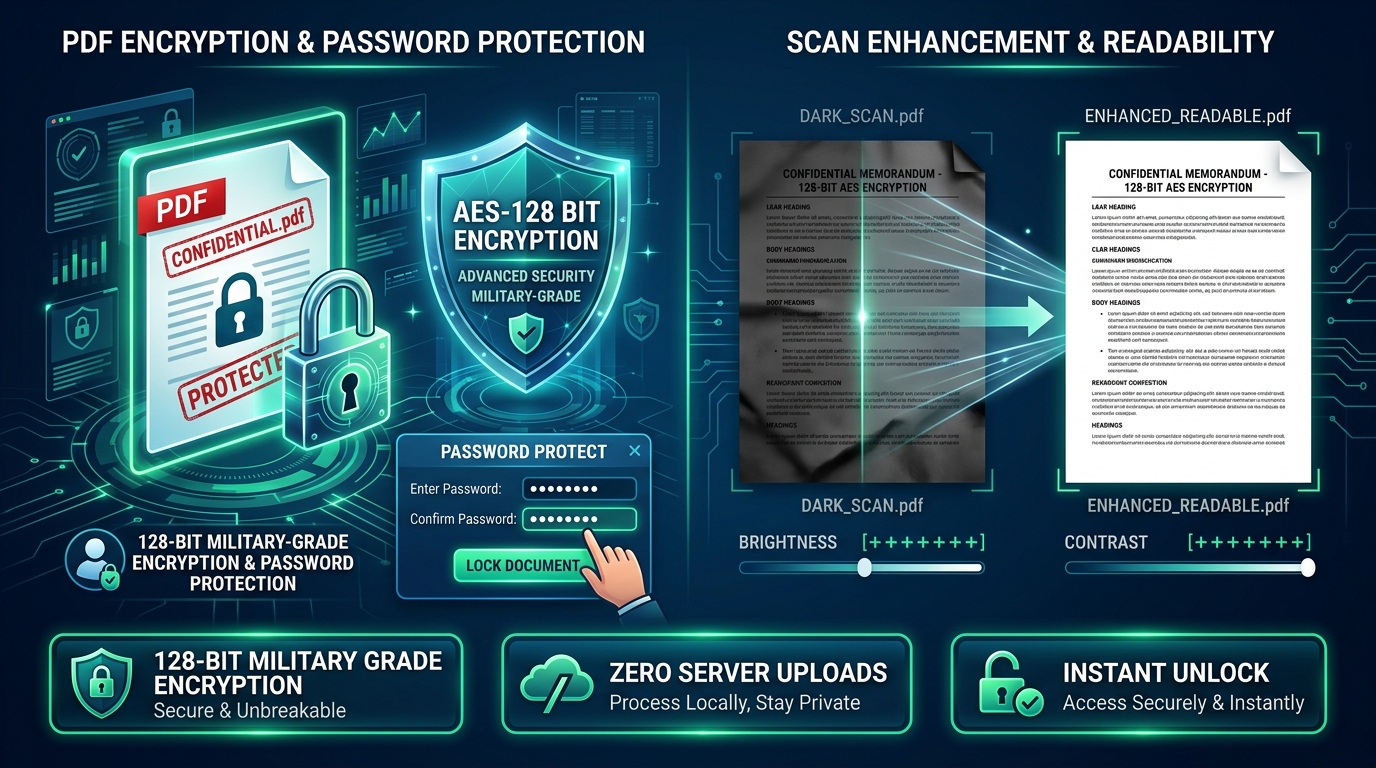
Converts every page into an uneditable high-resolution image layer. Completely prevents text selection, copying, or tampering in MS Word/Adobe Acrobat.
Processing PDF... 0%
Professional Watermark, Custom Cutout & Pagination Standards

Enterprise PDF Stamping, Custom Shape Cutouts & Document Protection

Protect confidential affidavits, tenders, certificates, and citizen applications with diagonal anti-tamper watermark stamps, official circular/oval stamp cutouts, whiteout patch masking, and consecutive page numbering. 100% private in-browser vector processing.

Watermarked PDF Document with Custom Diagonal Stamp Diagonal Stamp & Tiled Grid

Confidential & Verified Anti-Theft Stamping

Imprint 'e-Mitra Verified', 'CONFIDENTIAL', dynamic date/page tags, or repeated diagonal patterns across every page without obscuring underlying text.

Automated PDF Page Numbering and Stamp Cutout Stamp Cutouts & Numbers

Precision Shape Cutouts & Consecutive Numbering

Frame physical round stamps and signatures using our Circle/Lasso editor, extract transparent cutouts, and automatically add 'Page X of Y' numbering to tenders.

Technical Specifications & PDF Standards Compliance

Standard ISO 32000 PDF parameters, vector typography, hyperlinked annotations, and rasterization benchmarks.

ParameterSupported OptionsVisual ImpactRecommended Use CaseProcessing Engine
Diagonal WatermarkCustom text & dynamic tags ({date}, {page_number})Centered 45° angle banner or full-page gridAnti-counterfeit stamping & kiosk brandingpdf-lib vector font + fontkit
Custom Shape CutoutCircle, Rect, Ellipse, Triangle, Star, Free Lasso, EraserTight transparent PNG watermark cutoutPhysical seal/stamp & signature isolationHTML5 Canvas ctx.clip & bounding-box crop
Whiteout Patch MaskUser-drawn rectangle masks (White/Cream/Paper)Solid color cover-up over unwanted areasMasking old seals, dates, or personal datapdf-lib page.drawRectangle
Clickable HyperlinksPDF /Link annotation over watermark text or logoInteractive clickable link in Acrobat/ChromeOnline portal link, QR/web verificationISO 32000 PDF Annotations Context
PDF FlatteningHigh-resolution 200+ DPI canvas rasterizationLocks text against copying/tamperingCourt evidence, affidavits, final tendersPDF.js + pdf-lib JPEG stream

Frequently Asked Questions (FAQ)

How do I crop a circular stamp or seal from a photo?

Go to the "Logo / Cutout" tab, upload a picture of the document with the stamp, click "✂️ Edit & Cutout Shape", select the Circle or Ellipse tool, frame your stamp with the resize handles, and click "Apply Cutout as Watermark". The tool clips the stamp with a transparent background!

Can I apply both a diagonal text watermark and a corner logo stamp simultaneously?

Yes. Check "Enable Text Watermark" in the Text tab and check "Enable Logo / Stamp Watermark" in the Logo tab. Both will be processed together onto the document pages at their respective positions.

How can I hide or remove an unwanted old stamp or text?

In the "Whiteout & Links" tab or directly on the preview toolbar, click "Draw Mask", then click & drag over the unwanted stamp to cover it with a solid white patch before generating the final PDF.

Is my sensitive PDF or signature uploaded to any server?

Never. eMitraTool runs 100% locally inside your web browser using HTML5 Canvas, WebAssembly, and pdf-lib. Your confidential affidavits, financial records, and citizen identity documents never leave your computer.