Action completed
Back

PDF to Image Converter

Extract PDF Pages to JPG & PNG

Select PDF or Drag & Drop Here

Only PDF files supported — Multi-page & password-protected documents

No PDF uploaded

Click or drag & drop a PDF file into the box above to extract pages.

PDF to Image Visual Conversion Guide

Convert PDF Documents to Ultra-HD 300 DPI JPG & PNG Photos

Many government portals and smartphone apps refuse to accept PDF files and specifically mandate uploading JPG or PNG photos of marksheets, identity cards, or affidavits. Our tool extracts every page into a crisp image with zero blurriness or compression artifacts.

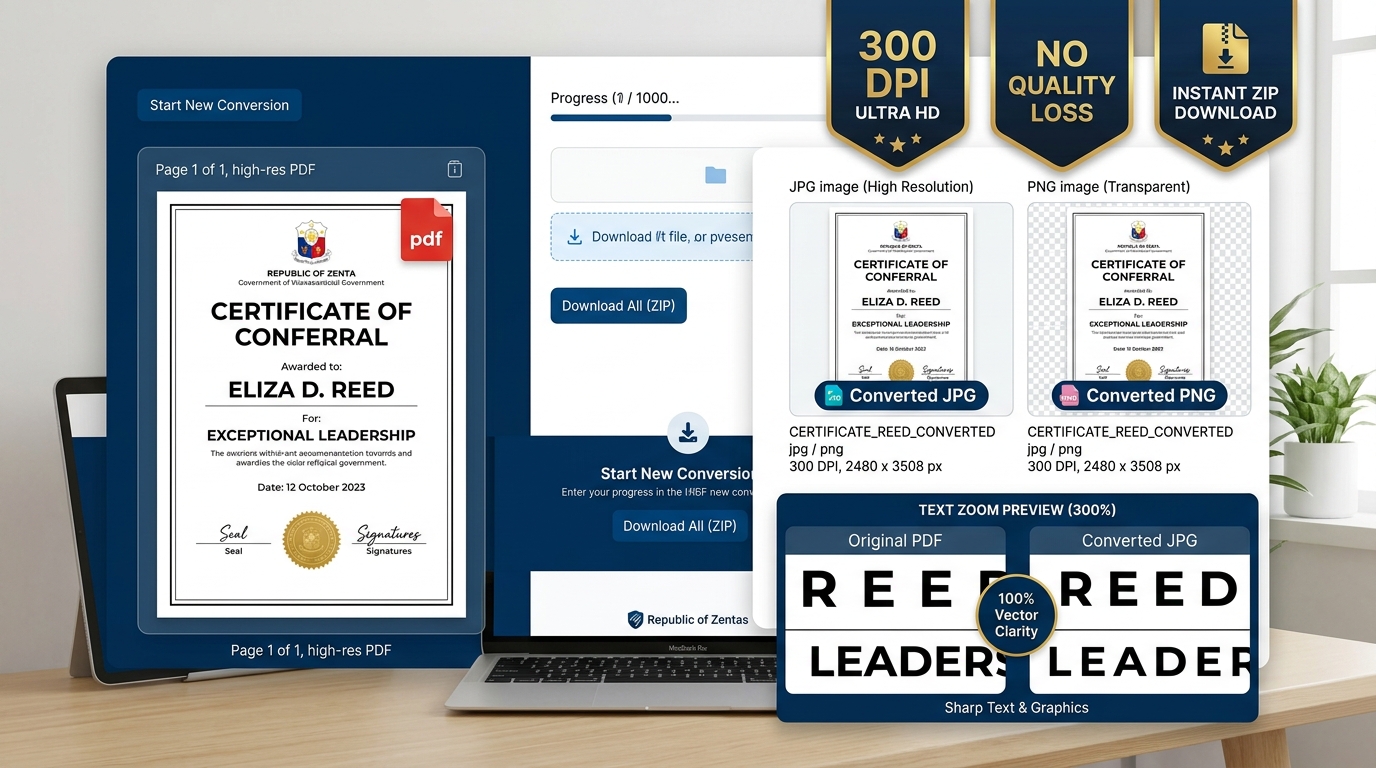
Visual Guide to Converting PDF Pages to High-Resolution JPG and PNG Images
Resolution Options 150 / 200 / 300 DPI Ultra-HD Studio Crisp
Dual Export Formats JPG & PNG Lossless or Compact
Batch Export 1-Click ZIP Download All Pages in One Archive

⚡ 4 Easy Steps to Convert PDF Pages to Images:

1

Upload PDF File

Drag and drop your single or multi-page PDF document into the browser dropzone.

2

Select Format & DPI

Choose JPG (smaller file size) or PNG (lossless), and select your desired DPI resolution (150, 200, or 300 DPI).

3

Preview Page Thumbnails

View converted thumbnails live on screen with exact pixel dimensions and file size estimations.

4

Download Single or ZIP

Download individual page photos directly, or click 'Download All Pages as ZIP' for a single bundled archive.

PDF to Image Export Resolution & Format Comparison:

Resolution Preset Typical A4 Pixel Dimensions Average JPG File Size Recommended Application / Use Case
150 DPI (Standard) 1240 × 1754 px 150 KB – 300 KB WhatsApp sharing, quick email previews, basic web portal uploads
200 DPI (High Quality) 1654 × 2338 px 350 KB – 700 KB SSC, UPSC, State Police recruitment document verification forms
300 DPI (Ultra HD) 2480 × 3508 px 800 KB – 2 MB Studio photo printing, legal court evidence, high-resolution archiving

Frequently Asked Questions (FAQs)

1. What is the best DPI setting for converting PDF to image for online applications?

For standard online job portals (SSC, UPSC, State Police), 200 DPI JPG is ideal as it balances crisp readability with manageable file size. For high-quality printing or archival, select 300 DPI Ultra HD.

2. Should I choose JPG or PNG format when converting PDF pages?

Choose JPG if you need smaller file sizes to meet portal upload limits (under 200KB or 500KB). Choose PNG if your document contains sharp text, diagrams, transparent graphics, or official seals that require lossless clarity.

3. Can I convert and download all pages at once?

Yes. Once your PDF is uploaded, click 'Download All Pages as ZIP'. The tool packages every converted page into a single organized ZIP archive instantly.

4. Does converting a PDF to image blur small fonts or signatures?

No. Our conversion engine uses Mozilla's PDF.js canvas renderer with anti-aliasing and sub-pixel text rendering. Even fine print and handwritten signatures remain sharp and readable.

5. Are my sensitive certificates uploaded to a remote server during conversion?

Never. All PDF decoding, rasterization, and image generation take place 100% locally in your device's browser memory. No data is ever sent across the network.