Back
PDF Password Protect & Unlock
eMitraTool.online

🔒 PDF Password Protect & Unlock Tool

Encrypt any PDF document with password security or decrypt and remove password from known PDFs for easy printing. 100% free and private.

PDF फाइल चुनें (Select PDF)

Loaded: Document.pdf

पासवर्ड दर्ज करें

यह टूल पासवर्ड को हमेशा के लिए हटाकर एक सामान्य अनप्रोटेक्टेड PDF बना देगा जिसे आप सीधे प्रिंट या ई-मित्र फॉर्म पर अपलोड कर सकते हैं।

PDF Encryption & Security Guide

Military-Grade 128-Bit AES PDF Password Encryption & Decryption

Whether you need to lock confidential financial statements with an unbreakable password or permanently unlock your e-Aadhaar and salary slips for hassle-free printing, our browser-native tool completes the task in seconds with zero remote server data exposure.

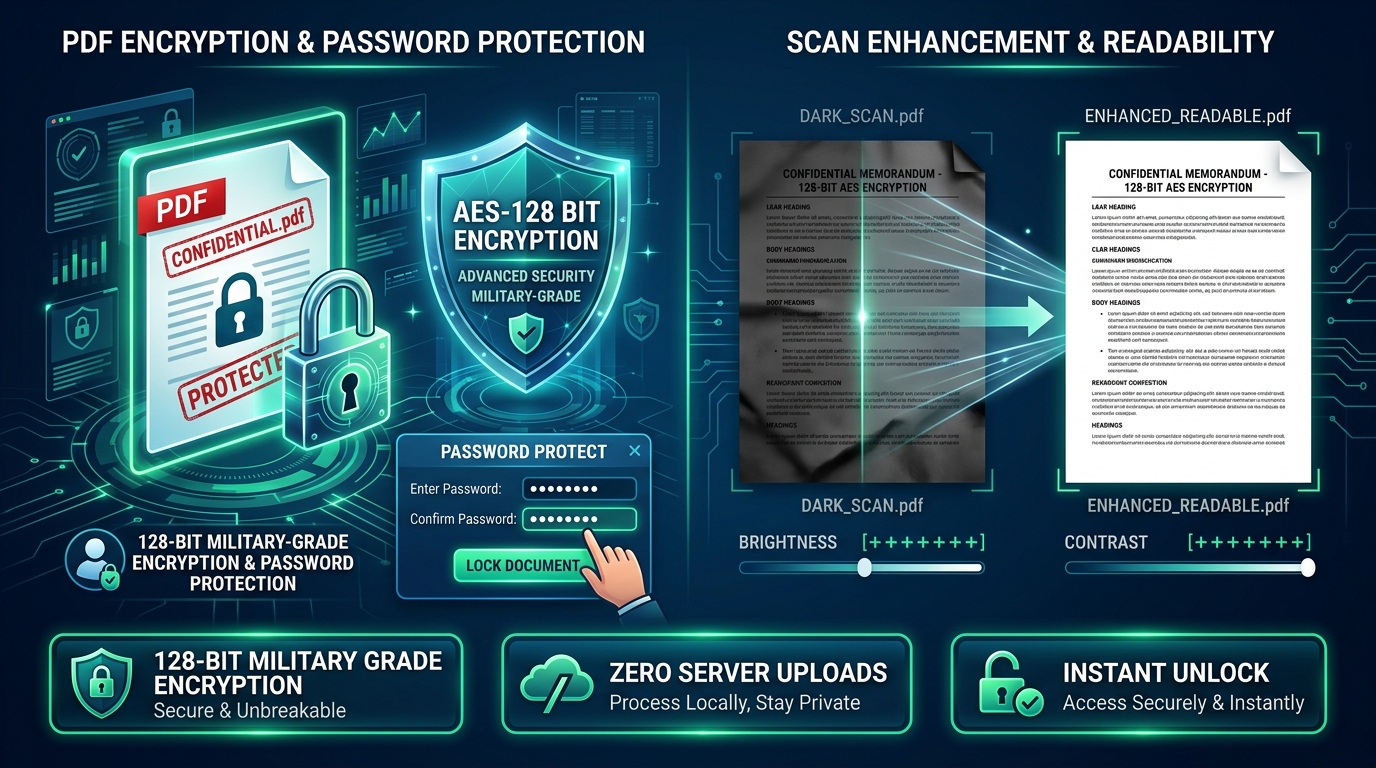
Visual Guide to PDF Password Encryption, Protection, and Document Decryption
Security Protocol 128-Bit AES Banking-Grade Protection
Permanent Decrypt 1-Click Unlock Instant Printing Ready
Privacy Guarantee 100% Client-Side Zero Server Uploads

⚡ 4 Easy Steps to Protect or Unlock Any PDF:

1

Choose Operation Mode

Select Unlock & Remove Password to decrypt an existing PDF, or Password Protect PDF to encrypt a new document.

2

Select Your PDF File

Upload your bank statement, salary slip, e-Aadhaar, or confidential legal document into the upload zone.

3

Enter or Set Password

Enter the known password to decrypt the file, or enter and confirm a new strong password to encrypt your document.

4

Download Instantly

Click execute to generate your secured or unlocked PDF immediately within your device's browser memory.

Common Official Indian PDF Password Formats:

Document TypeStandard Password FormulaExample InputIssuing Organization
UIDAI e-Aadhaar CardFirst 4 Capital Letters of Name + Year of BirthRAME1992Unique Identification Authority of India (UIDAI)
SBI / PNB Bank StatementDate of Birth (DDMM) + Last 4 digits of Mobile No15089876State Bank of India / Public Sector Banks
EPFO Member PassbookDate of Birth (DDMMYYYY) or UAN Number15081992Employees' Provident Fund Organisation
Income Tax e-Filing ITR-VPAN Number (Lowercase) + Date of Birth (DDMMYYYY)abcde1234f15081992Income Tax Department of India

Frequently Asked Questions (FAQs)

1. What is the standard password format for e-Aadhaar PDF files?

The default password for UIDAI e-Aadhaar PDFs is the first 4 letters of your name in CAPITAL letters followed by your 4-digit year of birth (e.g. if your name is ANIL KUMAR and you were born in 1995, the password is ANIL1995).

2. Can this tool permanently remove the password from a protected PDF?

Yes. If you know the current password, enter it in Unlock mode. The tool decrypts the file and generates an unencrypted PDF that you can open and print anytime without entering a password.

3. Does password protecting a PDF restrict unauthorized copying or printing?

Yes. Adding a password encrypts the document binary so that it cannot be opened, viewed, or printed without the secret passphrase.

4. Are my passwords or confidential documents transmitted to your server?

Absolutely not. All encryption and decryption operations execute 100% locally within your device's browser memory via WebAssembly and JavaScript. Your passwords and documents remain strictly private.