जिस PDF से हिस्सा काटना / कॉपी करना है
जैसे: फॉर्म का हस्ताक्षर, मोहर, शपथ पत्र या कोई विशिष्ट पैराग्राफ
जिस PDF पर हिस्सा पेस्ट / मर्ज करना है
कोई भी PDF चुनें या नीचे से खाली A4 शीट शुरू करें
सोर्स PDF से हिस्सा काटें (Cut Snippet)
टारगेट PDF स्टूडियो (Position & Merge)
Cut, Paste & Seamlessly Overlay PDF Snippets
The ultimate client-side patch editor for e-Mitra kiosks, CSC operators, and document professionals. Extract signatures, seals, table sections, or photos from one PDF and seamlessly merge them onto another PDF page or blank sheet with 8-handle transformation and multiply blending.
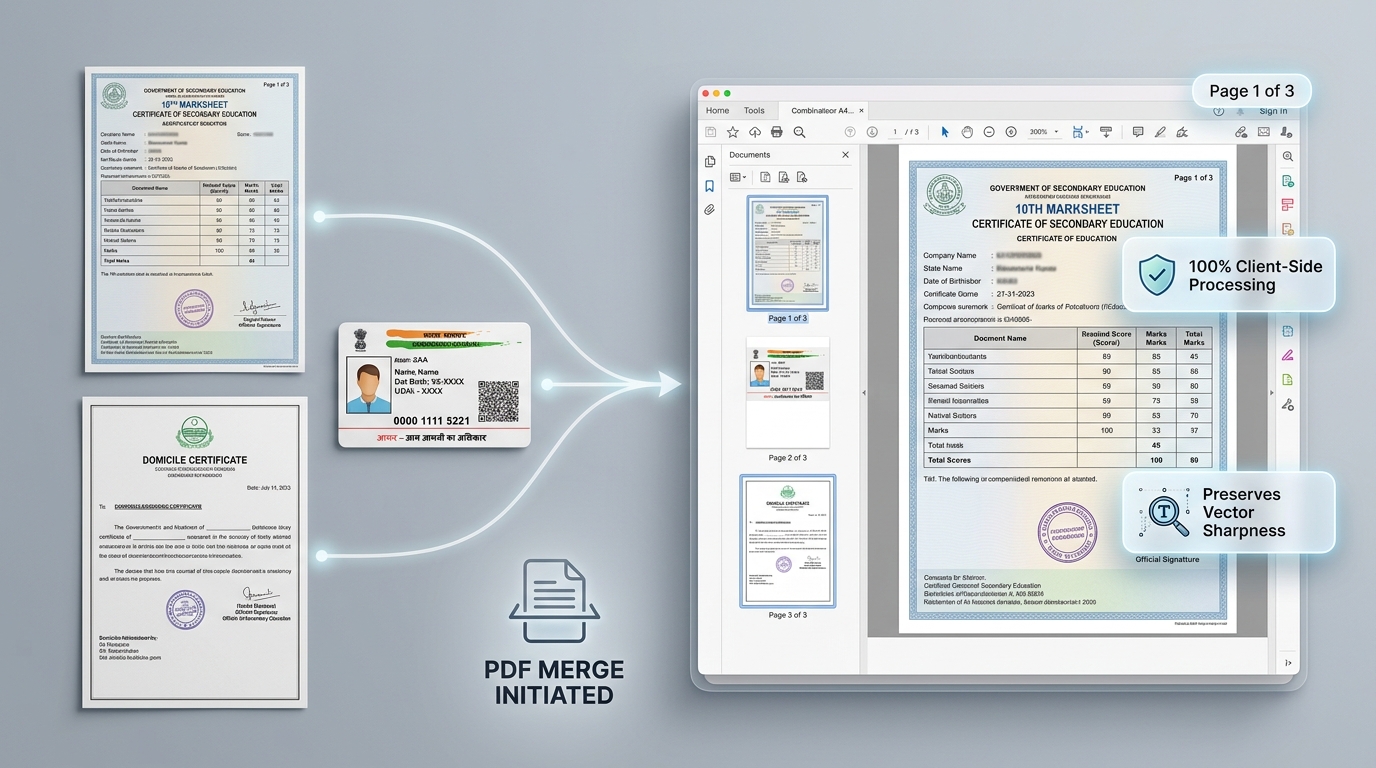 Seamless Multiply Blending
Invisible White Background Removal
Activating 'Multiply' blend mode makes the white paper background of the cut snippet completely transparent. Signatures and seals blend naturally into the target document as if originally printed on it.
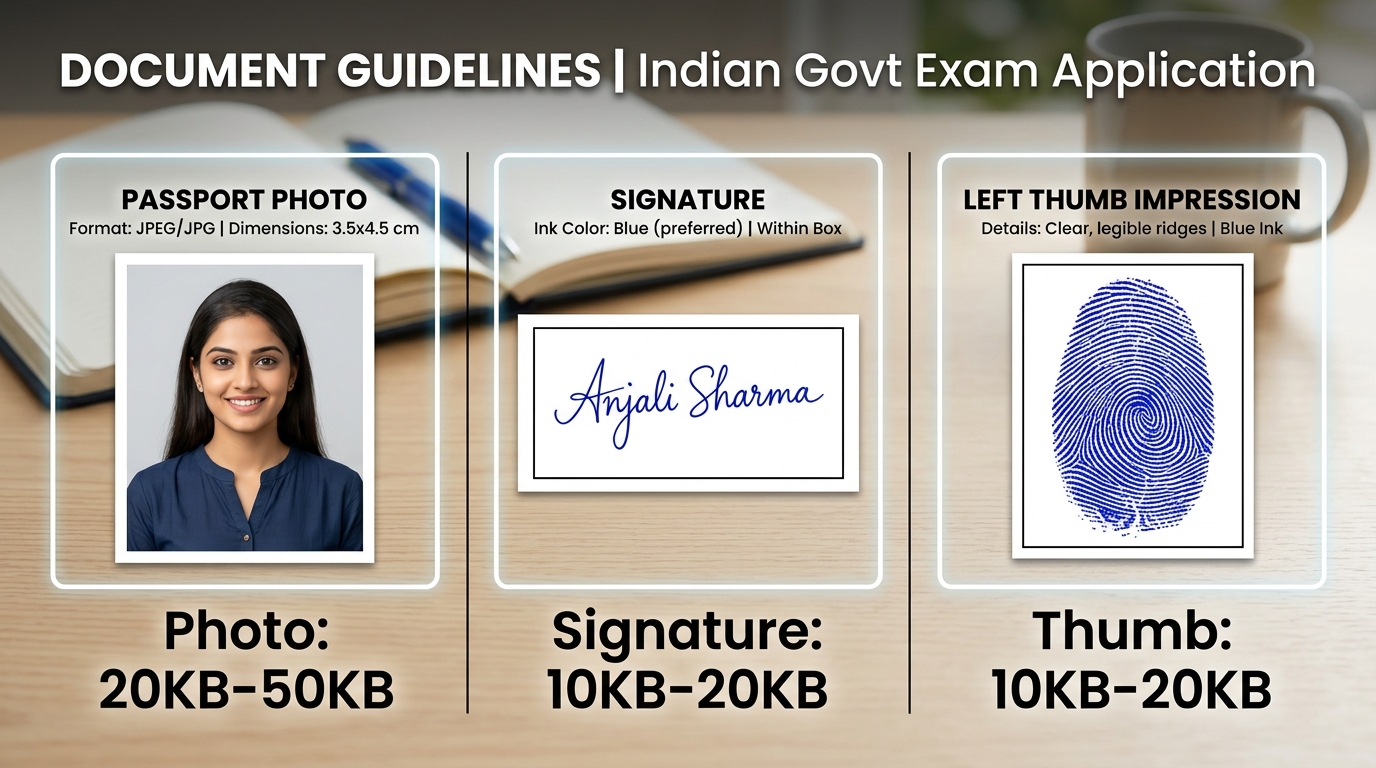 8-Handle Transformation Box
Precision Positioning & White-Out Patches
Smoothly drag, stretch, or shrink your snippet with 8 bounding box handles. Use the White-Out patch to conceal obsolete text or errors on the base document before overlaying new content.
How to Cut & Paste PDF Parts in 4 Easy Steps
Load Source & Target
Upload the source PDF containing the snippet (seal/sign) and the target PDF (or select a blank A4 sheet).
Crop the Snippet
On the left source canvas, drag a crop box around the signature, stamp, or section, then click Crop Snippet.
Position & Blend
Drag the snippet onto the target canvas. Resize using corner handles and choose Multiply blending for seamless integration.
Export Merged File
Download the final high-resolution 300 DPI vector PDF, save an HD JPG image, or send straight to the printer.
Layer Blending Modes & Patch Specifications
Select the optimal blending mode depending on the background color and paper tone of your target document.
| Blend Mode | Visual Effect | Best Application | Background Treatment | Opacity Control |
|---|---|---|---|---|
| Multiply (Darken) | Inks combine, white disappears | Blue/black ink signatures, rubber seals, stamps | 100% Transparent White | 10% – 100% Adjustable |
| Normal (Source-Over) | Complete opaque overlay | Passport photos, QR codes, tables, header banners | Preserves original background | 10% – 100% Adjustable |
| White-Out Patch | Solid opaque white rectangle | Erasing outdated dates, incorrect names, errors | Pure #FFFFFF Mask | 100% Opaque |
Frequently Asked Questions (FAQ)
How do I make a pasted signature or stamp look seamless on the target document?
Select the 'Multiply' blending mode for the pasted layer. Multiply mode automatically eliminates the white paper background of the snippet, allowing only the black/blue ink of the signature or seal to blend naturally onto the target paper.
What is the White-Out feature used for?
The White-Out tool creates an opaque solid white patch. You can place it over outdated text, incorrect dates, or unwanted marks on the target document before pasting a new updated snippet on top.
Can I paste snippets from multiple different PDF pages onto one target page?
Yes. You can browse through different pages of your source PDF, crop multiple snippets (such as photos, stamps, and signatures), and arrange all of them on the target canvas simultaneously.
Can I paste onto a blank A4 sheet instead of an existing PDF?
Yes. Click 'Use Blank A4 Sheet' on the target panel to start with a clean white 300 DPI canvas, then paste and position your cropped items anywhere on the page.
Are my uploaded PDFs or official documents sent to any server?
No. All PDF rendering, cropping, layer blending, and document merging are executed 100% locally in your browser memory using PDF.js and HTML5 Canvas. Your documents never leave your computer.