PDFs ya Photos Select Karein
Drag & drop files here (.pdf, .jpg, .png)
Official PDF Combining & Organization Guide
Consolidate Multiple PDFs & Photos into One Print-Ready Document
Combine disconnected PDFs, identity card scans, and photo attachments into a single, structured PDF file. Visually drag and drop thumbnails to reorder pages, rotate sideways scans, and remove redundant blank sheets with zero remote server data uploads.
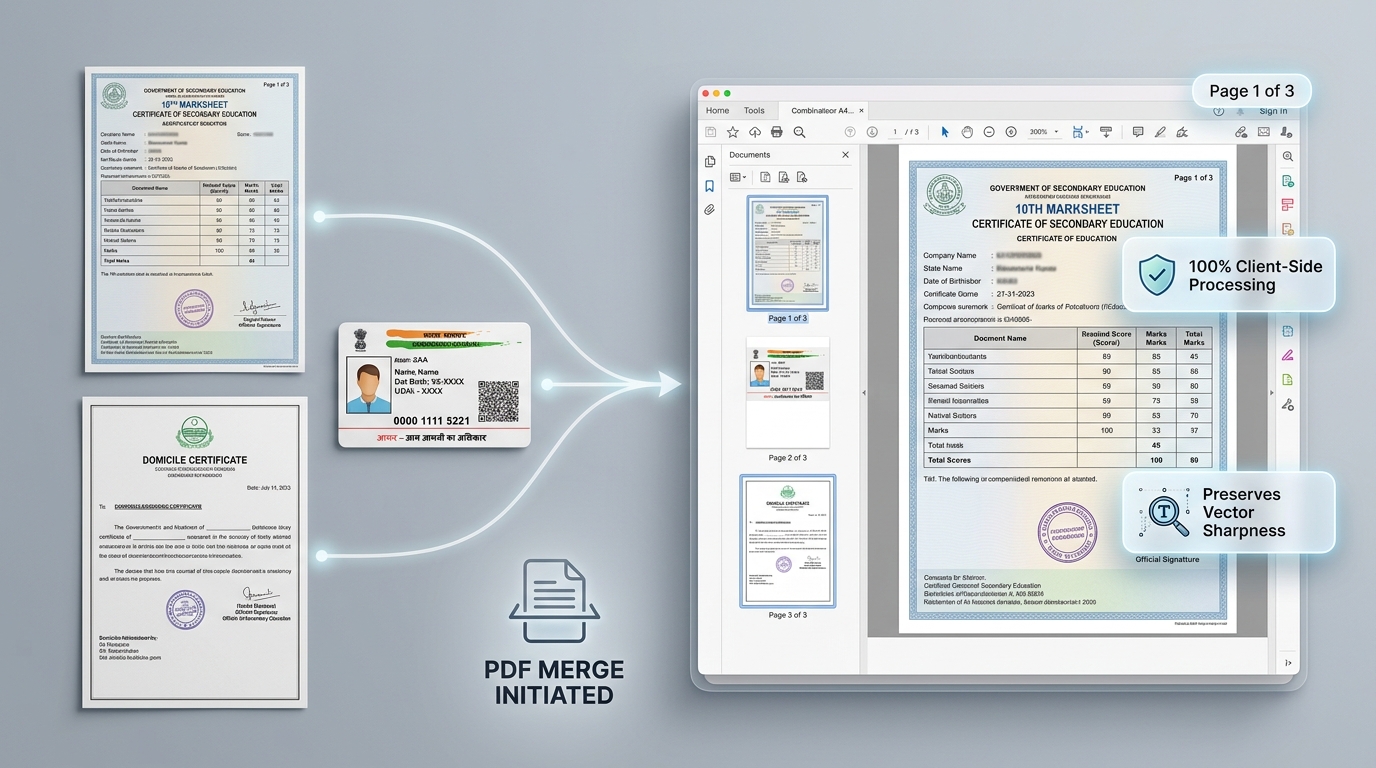
Visual Page Sequencing
View real-time page thumbnails for all uploaded documents. Rearrange pages effortlessly with intuitive drag-and-drop before finalizing your document.
Hybrid Document Merging
Mix PDFs, JPEG certificate photos, and PNG receipts in the same batch. The engine standardizes all files into a unified high-resolution document.
How to Combine PDFs & Images in 4 Simple Steps
1
Upload Files
Select or drag-and-drop multiple PDF files, JPG photos, or PNG scans into the workspace.
2
Reorder Pages
Drag and drop page thumbnails to set the exact chronological or procedural sequence you need.
3
Rotate & Clean
Rotate sideways scans to portrait orientation and delete any accidental blank or duplicate sheets.
4
Download PDF
Click 'Download Combined PDF' to generate and save your single, unified PDF document immediately.
Technical Specifications & Capabilities
Overview of supported file formats, processing speed, and client-side rendering capabilities.
| Feature | Supported Formats | Processing Speed | Output Quality | Security & Privacy |
|---|---|---|---|---|
| Multi-Format Merging | PDF (.pdf), JPEG (.jpg, .jpeg), PNG (.png) | Fast (~15 pages/s) | 300 DPI Standard Print | 100% Client-Side In-Memory |
| Visual Page Reordering | HTML5 Drag & Drop Thumbnail Grid | Real-time (<10ms) | Lossless page-order mapping | Zero server transmission |
| Individual Page Deletion | 1-click thumbnail remove button | Instantaneous | Clean document trimming | Browser DOM array slice |
| Page Orientation Control | 90° Clockwise / Counter-Clockwise | Instantaneous | Corrects sideways scans | Canvas rotation matrix |
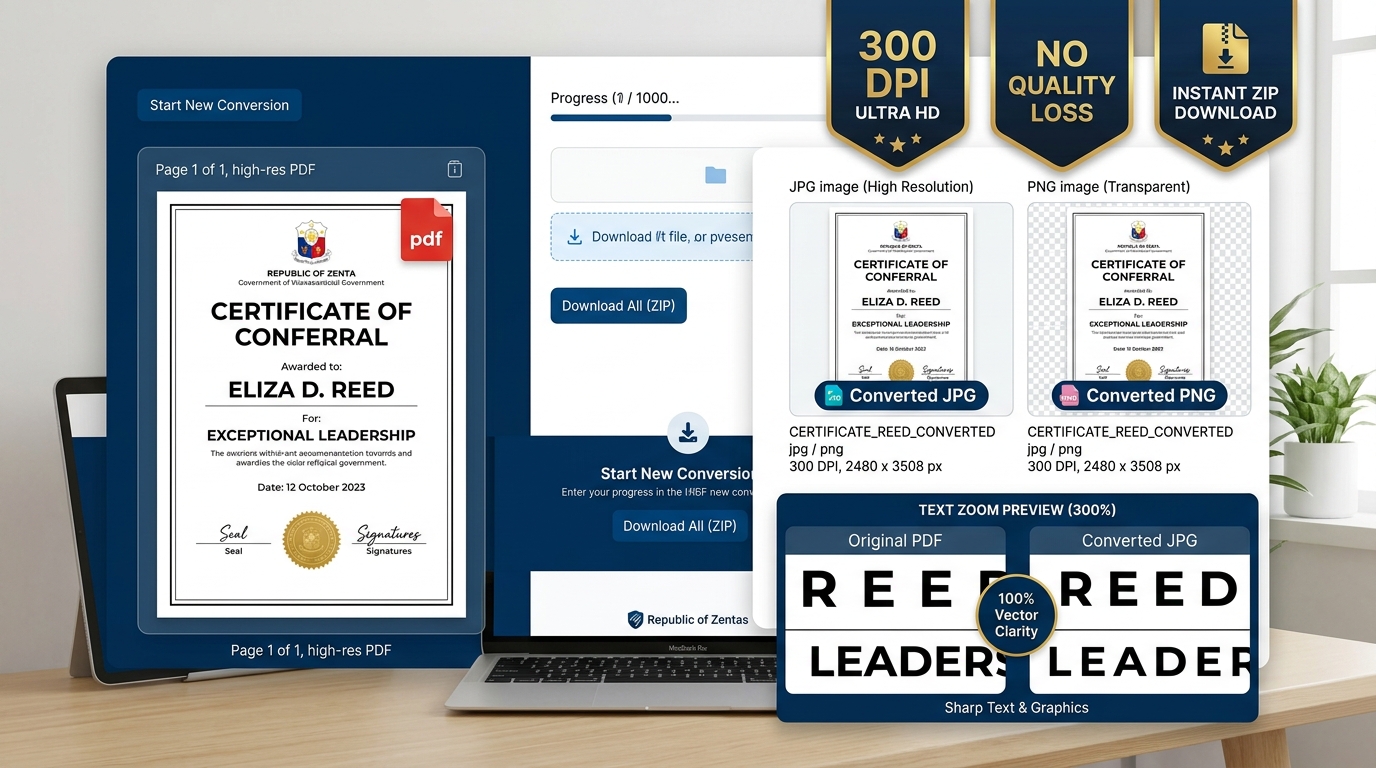
| Output Document Assembly | Standard A4 / Letter ISO formats | Instant Blob export | Print-ready consolidated PDF | Zero temporary disk files |
Frequently Asked Questions (FAQ)
How do I combine multiple PDF files into one document?
Click 'Select PDFs or Photos' or drag and drop your files into the workspace. Reorder the visual thumbnails using drag and drop to arrange your desired sequence, then click 'Download Combined PDF'.
Can I combine both image files (JPG/PNG) and PDF files together?
Yes. You can upload any combination of PDF files, JPEG photographs, and PNG scans simultaneously. All pages are rendered into unified thumbnails and merged into a single standardized PDF.
Are my uploaded PDF files kept secure and private?
Yes, 100%. All PDF page extraction, thumbnail rendering, and merging operations take place entirely inside your web browser via PDF.js and jsPDF. Zero files are uploaded to any external server.
Is there a limit on how many pages or files I can combine?
There are no artificial limits. You can combine dozens of documents and certificates smoothly. Processing speed depends entirely on your local device's memory.