Enhance Image Quality
100% Automatically and Free • Fix Blurry Faces & Upscale to 4K Ultra-HD
or drop a file, paste image here
100% Automatically and Free • Fix Blurry Faces & Upscale to 4K Ultra-HD
or drop a file, paste image here
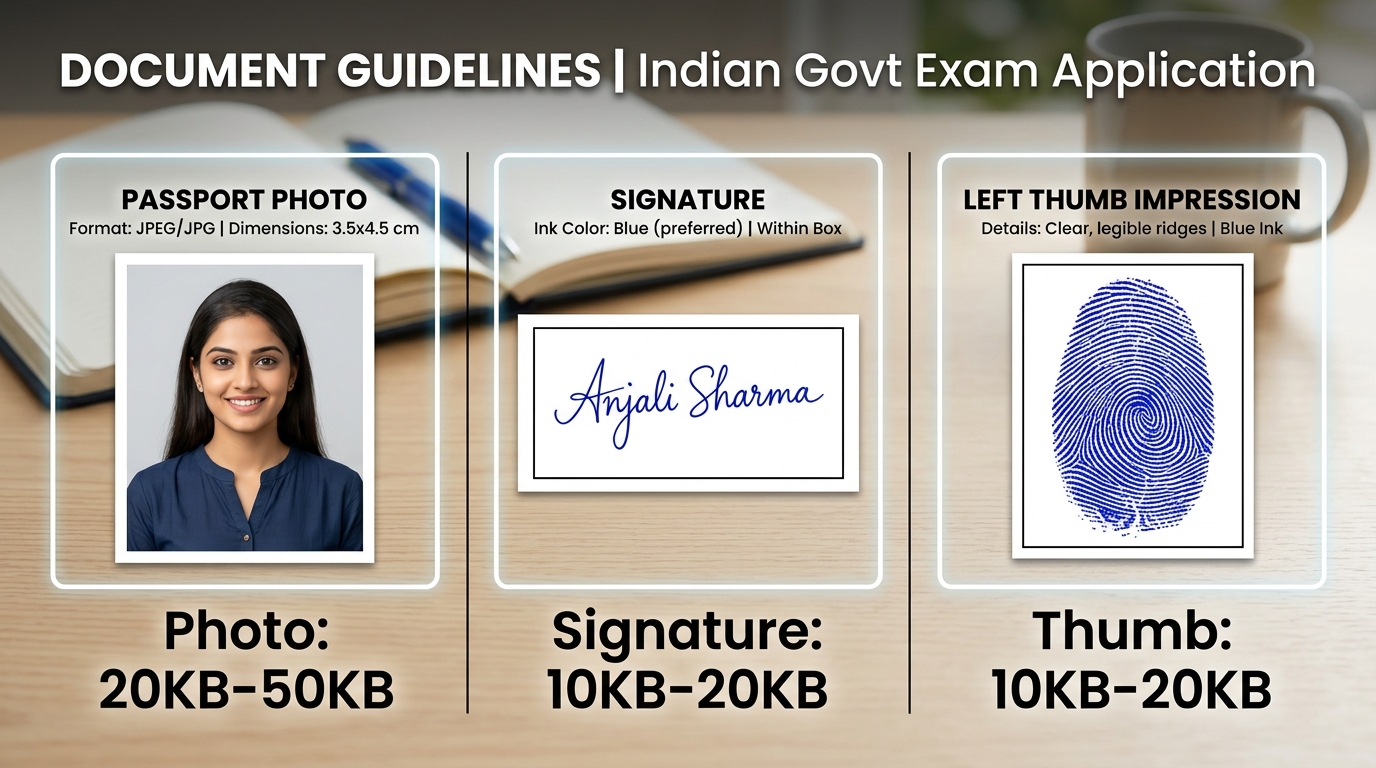
Unblur low-resolution camera photos, eliminate compression artifacts from WhatsApp images, and upscale portraits to 2x or 4x high definition for government job applications, passport photo printing, and identity cards.
Select a low-resolution snapshot, phone selfie, or blurry scan. Supports JPG, PNG, and WEBP formats up to 25 MB.
Select Studio Light, Sharp Face, High Contrast, or Shadow Fix to automatically balance tones.
Adjust the Beauty & Whitening and Sharpness sliders. Select 2x Super-Resolution or 4x Ultra-HD scale.
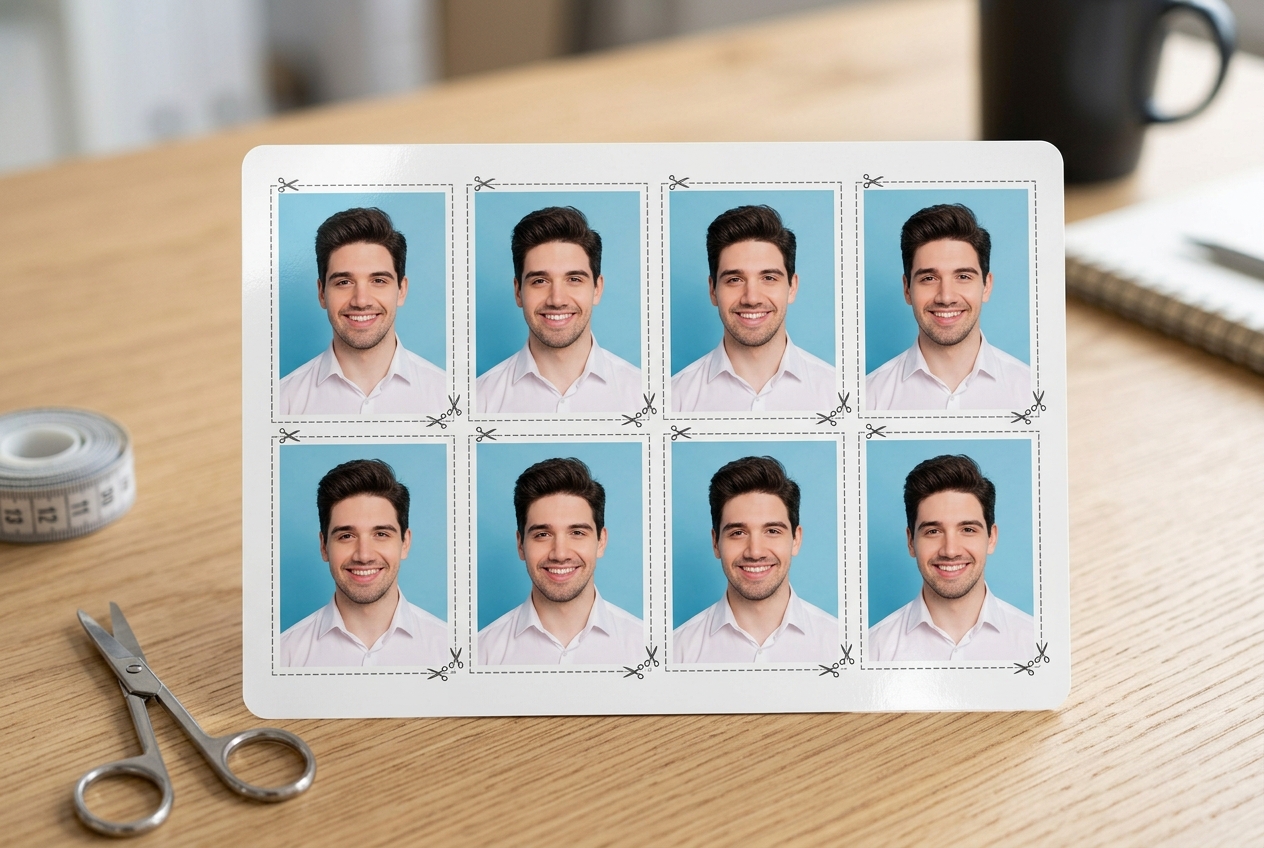
Download the enhanced HD JPG, save lossless 4K PNG, or click Print Sheet (4x6) for an instant 8-photo passport grid.
Detailed technical characteristics of the client-side OpenCV WebAssembly image processing filters.
| Preset Mode | Primary Transformation | Target Issue | Upscaling Support | Recommended Application |
|---|---|---|---|---|
| ✨ Studio Light | Skin tone illumination & soft fill-light | Dim indoor lighting, dull skin complexion | 1x, 2x, 4x | Indian Passport Photos & Matrimonial Profiles |
| 🔍 Sharp Face | High-frequency edge enhancement (eyes/hair) | Motion blur, slight camera defocus | 1x, 2x, 4x | Govt Exam Admit Cards & Student ID Cards |
| ⚡ High Contrast | Dynamic range stretch & gamma curve boost | Faded vintage prints, washed-out webcam photos | 1x, 2x, 4x | Official Driving Licence & Voter ID Submissions |
| 💡 Shadow Fix | Adaptive local histogram equalization | Half-face shadows from one-sided room lights | 1x, 2x, 4x | Mobile selfies taken in low-light rooms |
The tool uses client-side OpenCV WebAssembly and bilateral filtering algorithms to detect facial feature edges (eyes, lips, hair), sharpen high-frequency details, and remove pixel noise caused by WhatsApp compression.
Super-resolution upscaling doubles (2x) or quadruples (4x) the pixel dimensions of your photo using bicubic interpolation and edge sharpening, making small passport snapshots crisp enough for 300 DPI physical photo printing.
The 'Studio Light' preset is optimal for passport photos because it balances skin tones, removes harsh ambient room shadows, and produces a clean, professional studio lighting effect.
Yes. Click the 'Print Sheet (4x6)' button to automatically format your enhanced portrait into a standard 8-photo 4x6 inch grid layout with cutting guides ready for immediate printing.
No. All AI sharpening, color grading, upscaling, and sheet generation occur 100% locally inside your web browser using WebAssembly. Your photos never leave your device.