Professional Passport Photo Sheet Printing & Grid Layout
Create studio-quality multi-photo sheets on standard 4×6 inch, 5×7 inch, 3/A4 paper strips, and full A4 glossy photo paper. Print multiple client photos on a single sheet with automatic spacing and scissor cutting guidelines.
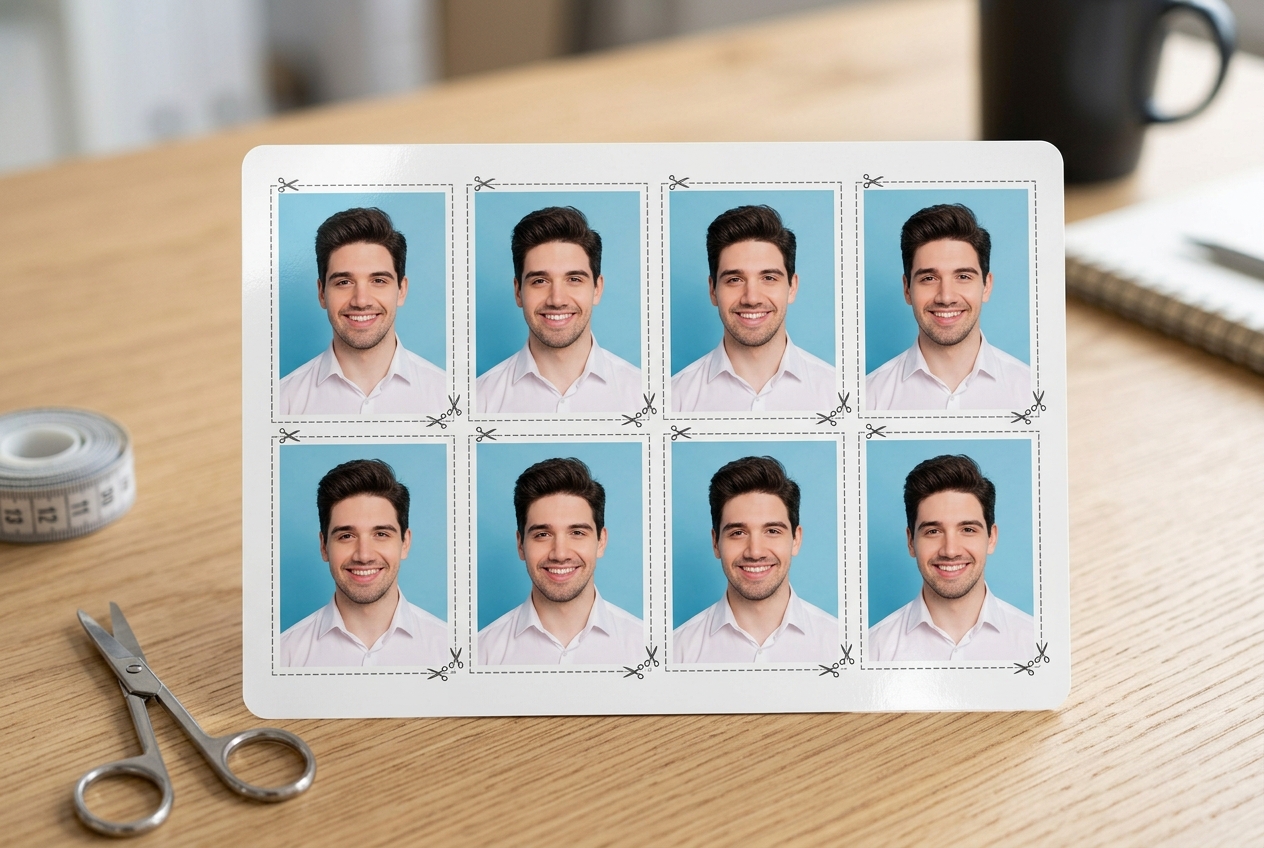
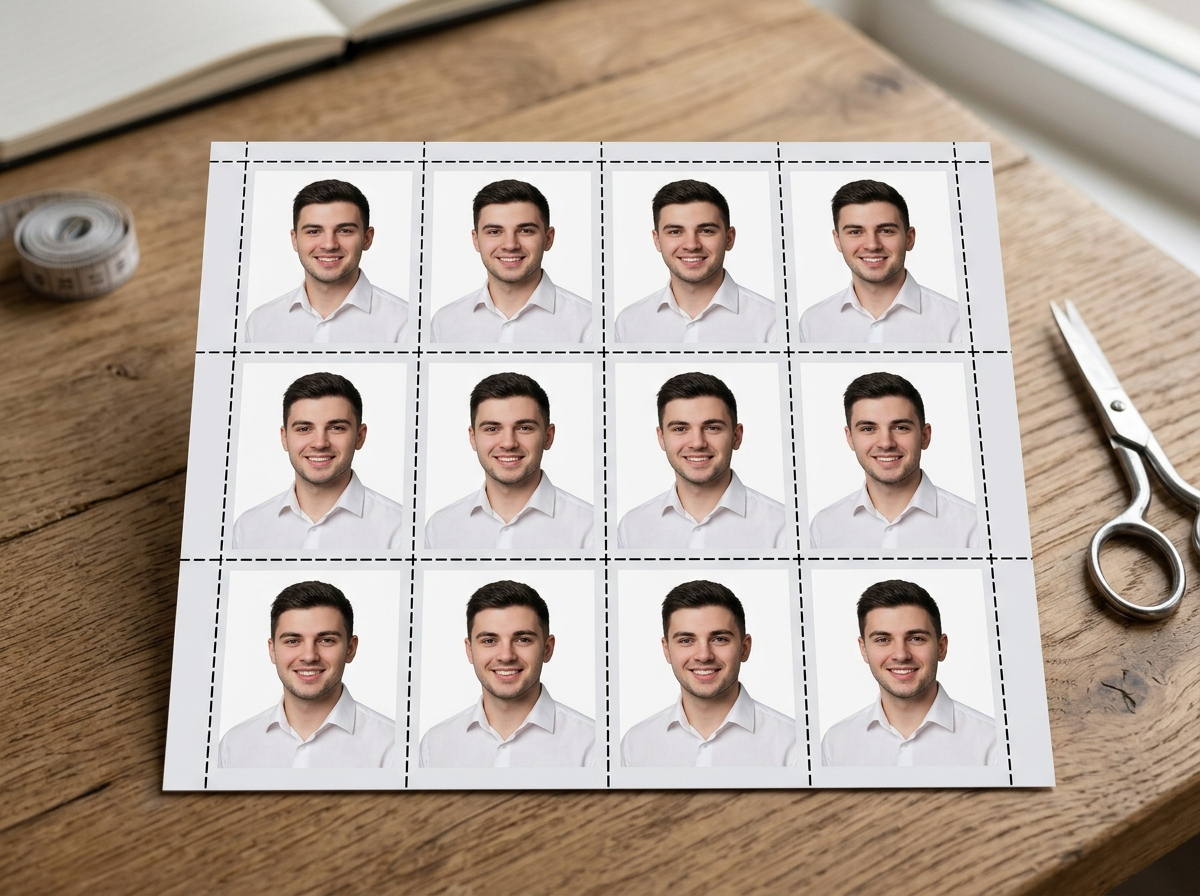
How to Combine & Print Passport Photos in 4 Simple Steps
Upload Photo(s)
Select a digital portrait or camera snapshot. You can add multiple photos for different family members or clients in one queue.
Crop & Edit Face
Use the locked 3.5×4.5 cm crop box to center the face and shoulders. Optionally apply AI background removal to select studio white or blue.
Choose Sheet Preset
Select your photo paper size: 4×6" (8 photos), 5×7" (12 photos), 3/A4 strip (10 photos), or full A4 (30 photos). Set exact copy counts.
Download & Print
Download a 300 DPI high-resolution PDF or JPG file. Print directly on glossy photo paper and trim with scissors along the border guidelines.
Passport Photo Sheet Layout & Paper Specifications
Standard printing paper dimensions and photo capacities for Indian Government applications and international visa requirements.
| Paper Format | Sheet Size (mm / in) | Photo Capacity | Optimal Grid | Recommended Paper | Standard Use Case |
|---|---|---|---|---|---|
| 4×6 Inch (Postcard) | 102 × 152 mm (4 × 6") | 8 Photos | 2 Rows × 4 Cols | 200–260 GSM Glossy | Standard Customer Photo Prints |
| 3/A4 Strip Layout | 210 × 99 mm (1/3 A4) | 10 Photos | 2 Rows × 5 Cols | 180–230 GSM Semi-Gloss | Economical e-Mitra / CSC Strip |
| 5×7 Inch (Cabinet) | 127 × 178 mm (5 × 7") | 12–15 Photos | 3 Rows × 4-5 Cols | 230–260 GSM Premium Glossy | Family Package & Studio Sets |
| A4 Full Sheet | 210 × 297 mm (A4) | 30–36 Photos | 6 Rows × 5 Cols | 180–230 GSM Inkjet Photo | Bulk Exam Centers & School Admissions |
| US Visa 2×2 Inch | 102 × 152 mm (4 × 6") | 4–6 Photos | 2 Rows × 2-3 Cols | 260 GSM Matte/Glossy | US, Schengen & International Visas |
Frequently Asked Questions (FAQ)
Can I combine photos of different persons on the same print sheet?
Yes. You can upload photos of multiple family members or clients, crop each photo individually, specify how many copies you need for each person, and the tool will automatically arrange them seamlessly on your chosen paper size (such as 4x6 inch or A4).
What is the standard passport size in India for government exams and documents?
The standard Indian passport photo dimensions are 3.5 cm × 4.5 cm (35 mm × 45 mm) or 413 × 531 pixels at 300 DPI. For US Visa applications, the required dimension is 2 × 2 inches (51 mm × 51 mm).
What type of photo paper should be used for printing passport sheets?
For sharp and professional passport photos, use 180 to 260 GSM glossy or semi-gloss (satin/lustre) inkjet photo paper. Standard inkjet or laser photo printers reproduce crisp 300 DPI details without smudging.
How do the scissor cutting guidelines assist during printing?
Thin gray cutting guidelines provide precise alignment markers between photos. When cutting with scissors or a paper guillotine trimmer, these lines ensure exact 3.5x4.5 cm border dimensions without cutting into the photo portrait.
Are my uploaded photos and print sheets stored on any server?
No. eMitraTool works 100% locally in your web browser. Photos and generated PDF/JPG files are processed strictly within your device's memory and are never uploaded or saved to any external servers.