Done
Back

Blur & Redact Studio

Mask Aadhaar • Blur Signatures & QR • Multi-page PDF
emitratool.online

Document Source

Click or Drag & Drop PDF / Image

JPG, PNG, WebP, Multi-page PDF • Ctrl+V

Blackout
Blur Intensity: 25px
100%
Drag on document to draw mask box

No Document Loaded

Select a PDF or image on the left panel or press Ctrl+V to paste from clipboard.
Official Redaction & Privacy Guide

Mask Aadhaar, Blur Signatures & Redact Sensitive PDF Data

Protect your personal identity before submitting documents online. Easily create UIDAI-compliant Masked Aadhaar cards, redact mobile numbers, black out bank details, and erase confidential text on photos and multi-page PDFs with 100% browser-local privacy.

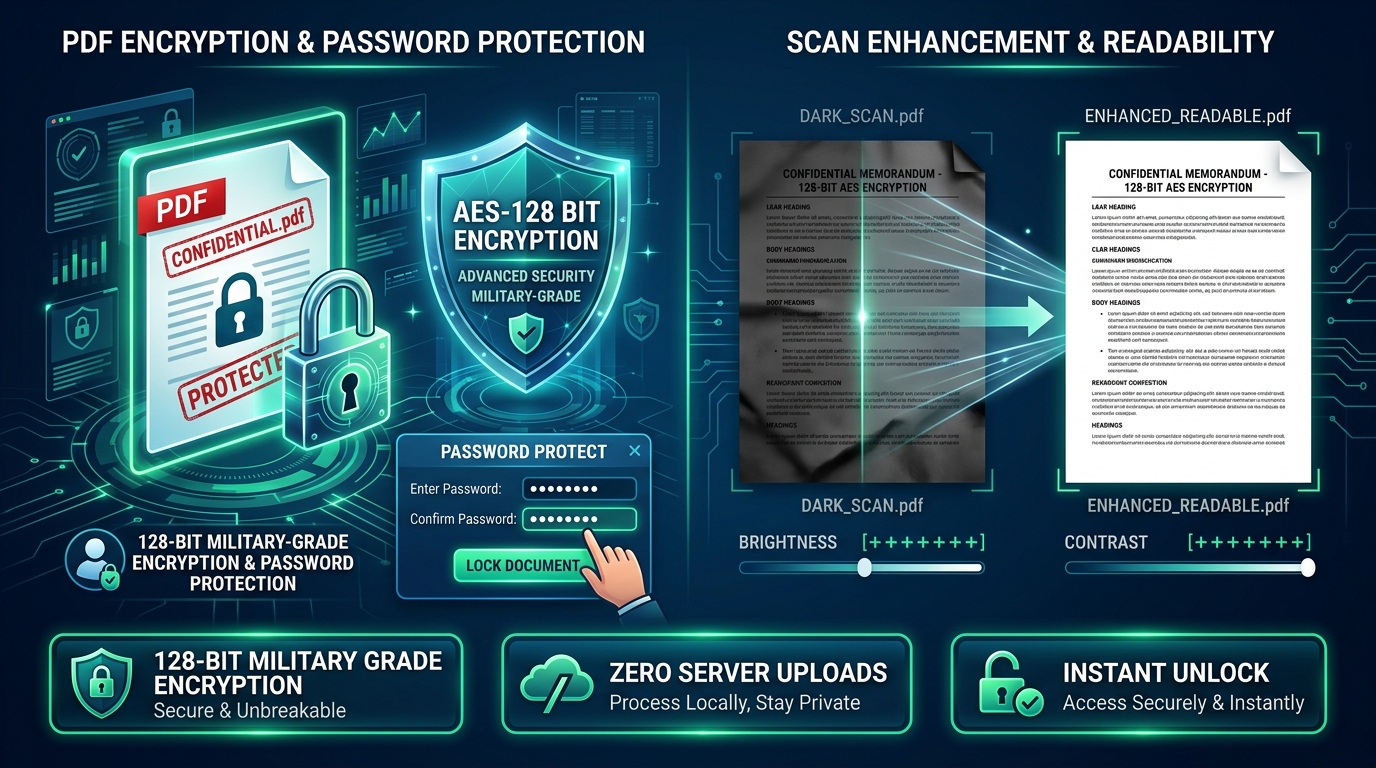
PDF Redaction and Security Shield Permanent Pixel Flattening

Irreversible Blackout & Blur Redaction

Unlike basic highlighter overlays that can be removed in PDF readers, our engine permanently destroys redacted pixel data upon export, rendering it impossible to recover or inspect.

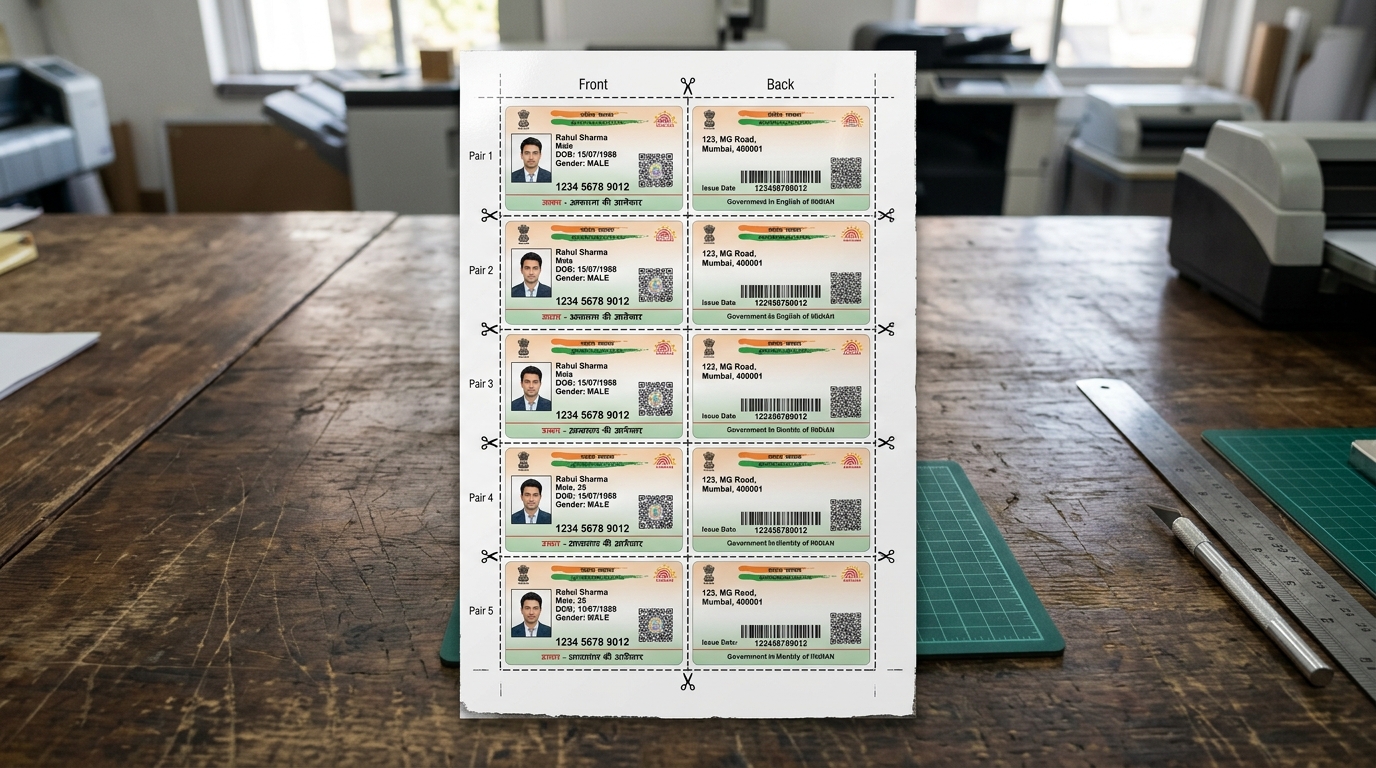
Masked Aadhaar Card Showcase UIDAI Masked Aadhaar Standard

Compliant Masked Aadhaar (First 8 Digits Hidden)

Easily comply with Indian regulatory guidelines by masking the first 8 digits of your Aadhaar number (XXXX XXXX) and QR code, leaving only the legal last 4 digits visible for hotel check-ins and KYC.

How to Redact & Mask Documents in 4 Simple Steps

1

Upload Document

Select any PDF, JPG, or PNG document, or press Ctrl + V to paste directly from clipboard.

2

Select Mask Tool

Choose Blur (soft gaussian), Pixelate (mosaic blocks), Blackout (opaque bar), or Whiteout (eraser).

3

Drag Over Content

Click and drag boxes across Aadhaar digits, signatures, phone numbers, or QR codes. Adjust blur intensity or pixel size sliders as needed.

4

Download & Print

Download the permanently flattened PDF, JPG, or PNG, or click Direct Print for instant physical copies.

Redaction Modes & Security Standards

Comparison of obscuration techniques for privacy compliance, court filings, and KYC identity verification.

Redaction Mode Visual Appearance Primary Use Case Permanent Flattening? Compliance Standard
Blackout (Redaction Bar) Solid opaque black rectangle Court filings, Aadhaar numbers, PAN, bank details 100% Irreversible Legal & Judicial Redaction Standard
Pixelate (Mosaic Tile) Coarse blocky pixel grid Faces, QR codes, barcode numbers, stamps 100% Irreversible UIDAI Masked Aadhaar Standard
Gaussian Blur Smooth, soft lens defocus Addresses, background clutter, phone numbers 100% Irreversible Privacy & Social Media Sharing
Whiteout (Eraser) Solid white background color Erasing scanner smudge marks, unwanted pencil notes 100% Irreversible Document Cleaning & Reprinting

Frequently Asked Questions (FAQ)

What is the difference between Blur, Pixelate, Blackout, and Whiteout?

Blur applies a soft Gaussian smoothing to obscure details. Pixelate creates a mosaic tile effect. Blackout places an opaque solid black redaction bar over text (ideal for official legal redactions). Whiteout replaces the area with solid white (useful for erasing unwanted marks before printing).

How do I create a Masked Aadhaar card compliant with UIDAI guidelines?

Open your Aadhaar card in the tool, select either Blackout or Pixelate mode, and draw a mask box covering the first 8 digits of the 12-digit Aadhaar number (e.g. XXXX XXXX 1234) and the QR code, leaving only the last 4 digits visible.

Can a redacted or blurred area be reversed or uncovered by someone else?

No. When you export or download the file, the underlying pixels within the redacted area are permanently destroyed and flattened into the image raster. There are no hidden vector layers or recoverable metadata underneath.

Can I blur sensitive sections across multiple pages of a PDF?

Yes. The tool renders each page of your multi-page PDF on the canvas. You can navigate between pages, apply redaction boxes to any page, and download the full merged multi-page PDF.

Are my sensitive identity documents safe and private?

100% yes. eMitraTool operates entirely inside your web browser using HTML5 Canvas and WebAssembly. Your documents are never uploaded to any remote server or third-party cloud.